 CatalogVLC UWP
VLC UWP is the Microsoft Store edition of VideoLAN's media player for Windows: the same open-source engine that plays almost any video or audio file, wrapped in an app built for the Store and touch screens. It is free, has no ads, and handles the formats Windows' own player often refuses, from older AVI and MKV files to subtitles in separate files and audio tracks in other languages.
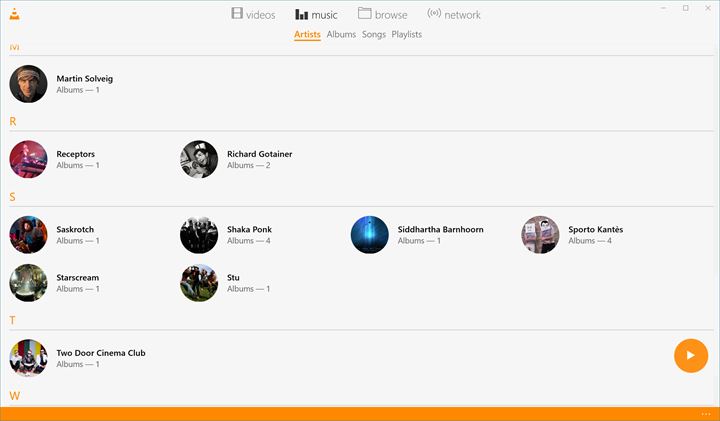
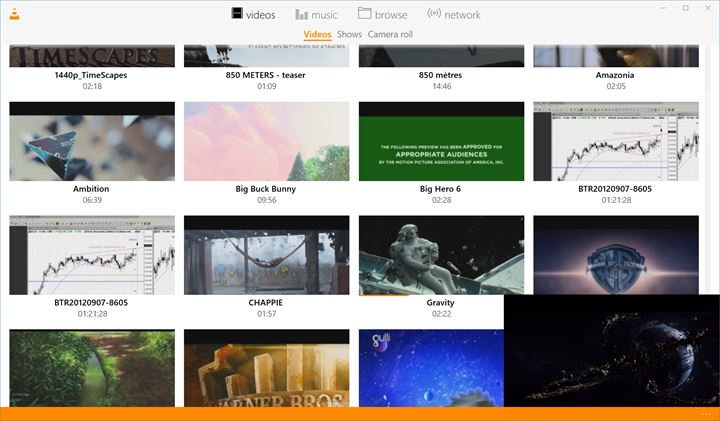
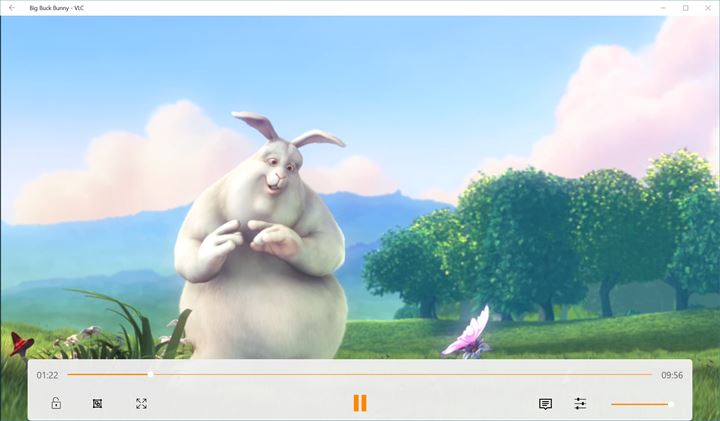
The Store edition is worth knowing about because it differs from the classic desktop player. By the listing's own account it lacks some of the desktop version's features, including playback of DVDs and Blu-ray discs. In exchange, it updates through the Microsoft Store, runs well on tablets and 2-in-1 laptops, and can browse media shared from other computers on your home network. I used it for a week on a Surface-style laptop, mostly for MKV files with subtitles, and it played everything I gave it. The controls are large enough for touch, and it remembers where you stopped in a long video.
What to check before relying on it: if you need disc playback or advanced streaming and conversion tools, look for the classic VLC desktop player on VideoLAN's official site instead. If you want a simple, touch-friendly player that stays updated through the Store, this edition is the easier choice. On first run it asks to read your video and music libraries; allow it, or add folders by hand later. The Store listing's rating mixes reviews of both experiences, so read a few recent reviews before you judge it.