How-to and tips: step-by-step app guides
Short, ordered guides for setting up and fixing the apps you use every day, each tested on a real device. This issue: the order to set up a new Gmail inbox.
8 guides · newest first
Start with the latest guide- All 12
- How-to & tips 8
- Compare 3
- Best picks 2
Newest first
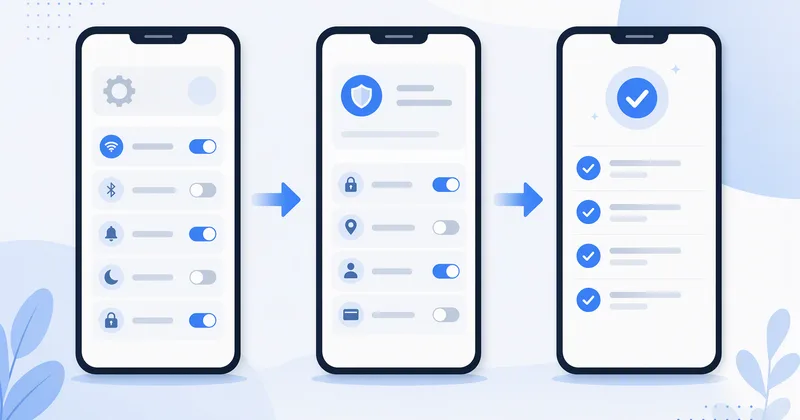 How-to · GmailSet up a new Gmail inbox in week one: the order that worksSeven settings in the order I change them on every new Android phone.
- Tips · GmailGmail labels vs filters: which one to set up firstLabels hold mail, filters move it; most inboxes need three of each.
- How-to · GmailWhat Gmail's confidential mode does, and what it doesn'tExpiry dates and blocked forwarding are useful; encryption it is not.
- Tips · GmailRead and answer Gmail on a flight without Wi-FiSync the right days before boarding and replies send when you land.
- How-to · GetYourGuidePlan a weekend trip on your phone with one trip planner and three appsTickets, a map that works offline and one place for confirmations.
- Tips · GoodreadsSet a Goodreads reading challenge you will actually finishPick a number you can beat, then log pages, not just finished books.
- How-to · VLC UWPAdd subtitles to any video in VLC on WindowsLoad a subtitle file, fix the timing and pick a readable size.
- How-to · 7-ZipPassword-protect a folder with 7-Zip before you email itAES-256 in three clicks, and how to share the password safely.
 How-toGmail
 How-toGetYourGuide
 TipsGoodreads
 How-toVLC UWP
 How-to7-Zip
Two guides are real in this prototype; placeholder cards (Sample) open one of them so the grid and the interstitial can be tested.