Issue 48: the app updates worth your time this week
Issue 48 · Oct 27 – Nov 2, 2026. Gmail's work tools, a hotel loyalty app worth keeping and three Windows picks. I read every listing and tell you which updates to install now, starting with Gmail.
20 apps · 4 platforms · one app per screen
StartIn this issue
- 01
Chat, Spaces and Meet calls sit closer to the inbox in this build, and nothing you rely on moves. I'd install it now.
- 02WhatsApp Messenger
A catch-up option for people added to a group mid-conversation, plus a waiting room for linked calls. One privacy setting is worth a look.
- 03
Bug fixes on the surface, but the shelves and progress logging remain the best reading diary on Android.
- 04Airbnb
Wish lists can be shared with a trip group before anyone books, and the map loads faster on older phones.
- 05Microsoft Word
Speed and reliability work, and a clearer prompt for Microsoft 365 plans that you can safely dismiss.
- 06
Planning tweaks for multi-stop trips and member rates shown earlier in search. Worth it if you collect points.
- 07Spotify
A tidier Your Library with filters that stick between sessions; nothing changes for free listeners.
- 08
The iPhone build tracks the Android one closely; this release is fixes and performance, with no new settings.
- 09Agoda
Flight and hotel bundles move up the home screen. Compare a bundle with separate bookings before you pay.
- 10Google Keep
Small fixes and steadier sync for checklists shared between phones; no reason to wait.
Each entry sums up the developer's notes and the official store listing for that version; the listing has the final word. Rows without a link are sample entries whose pages are not part of this prototype.
Featured this week
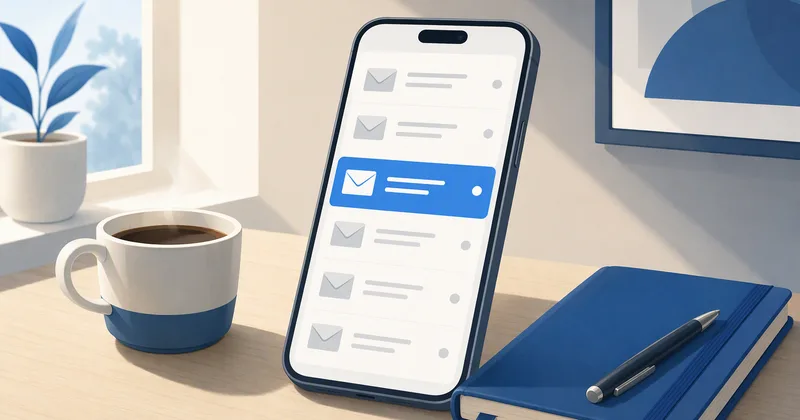 Review · AndroidGmail review: an inbox you can run a week fromTwo accounts, one phone, one week: what impressed me and the one setting to fix.
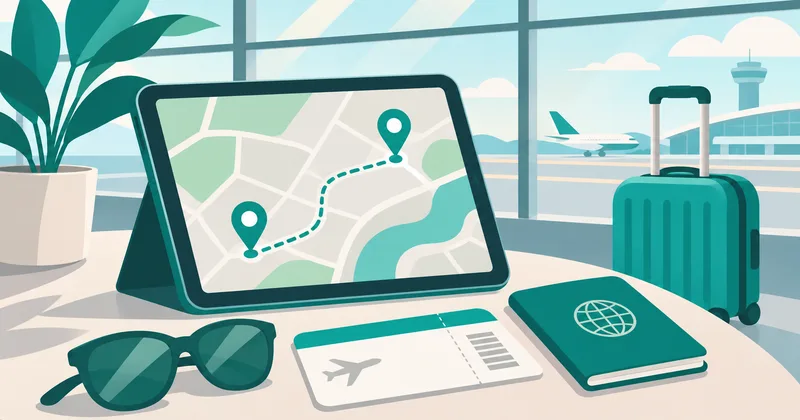 Category · Travel & HolidaysTwelve travel booking apps, one checklistFlights, hotel deals, car rental and the loyalty program worth joining.
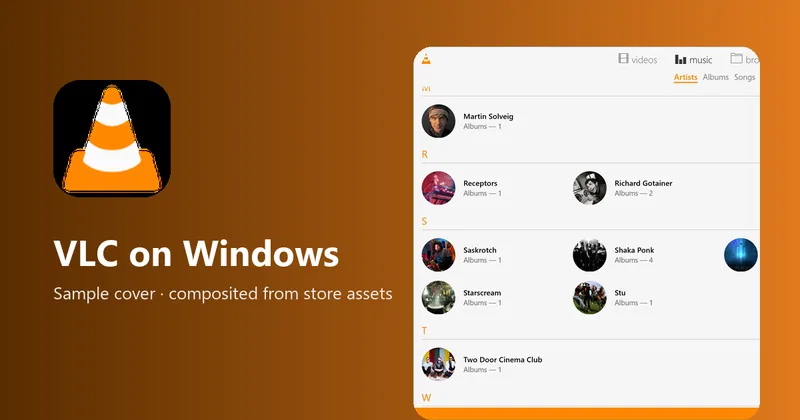 Catalog · WindowsVLC UWP on Windows: what the Store edition playsAlmost any file, with subtitles. What it leaves out is the disc drive.
 Review · AndroidGmail
 Category · Travel & HolidaysTravel & Holidays
 Catalog · WindowsVLC UWP
Top categories
- Fashion & Beauty9 apps · 3 guidesOnline shopping, beauty products, skincare routines, outfit ideas and size guides.
- Travel & Holidays12 apps · 6 guidesFlights, hotel deals, car rental, trip planners and loyalty programs.
- Going Out8 apps · 2 guidesRestaurant reservations, food delivery, event tickets and live sports streaming.
- Electronics & Smart Home10 apps · 3 guidesSmart TV remotes, home security cameras, Wi-Fi routers, smartwatches and printers.
- All categories11 shelves · 97 appsEvery shelf, with how we pick.
By platform
- Android16 apps this issueGoogle Play listings, reviews and updates.
- iPhone & iPad1 app this issueApp Store facts, checked weekly. Gmail for iPhone first.
- Windows3 apps this issueMicrosoft Store apps and desktop tools.
- MacNo Mac apps this issueMac App Store and Homebrew facts when we add some.
A platform gets its own page once it has at least three apps in the catalog; iPhone has one so far, so the tile opens that app.
How we write the digest
Each week I check the store listings of the apps our readers use most: the version, the update date and the developer's notes on Google Play, the App Store or the Microsoft Store. When an app changes, I use it for a few days and write up what changed and whether to act, in plain words, with a button to the official listing. Desktop tools with no store listing get a Google search for the developer's own site instead. AppDigest Weekly is independent and not affiliated with any developer; nothing is installed from this site and no page reads your phone or accounts.
Latest guides
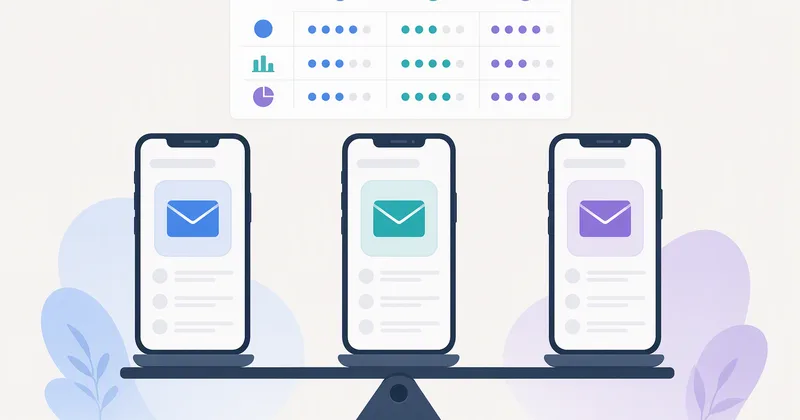 Compare · GmailGmail vs Outlook vs Proton Mail: which inbox fits your weekSearch, privacy, calendars and business email after a week with all three.
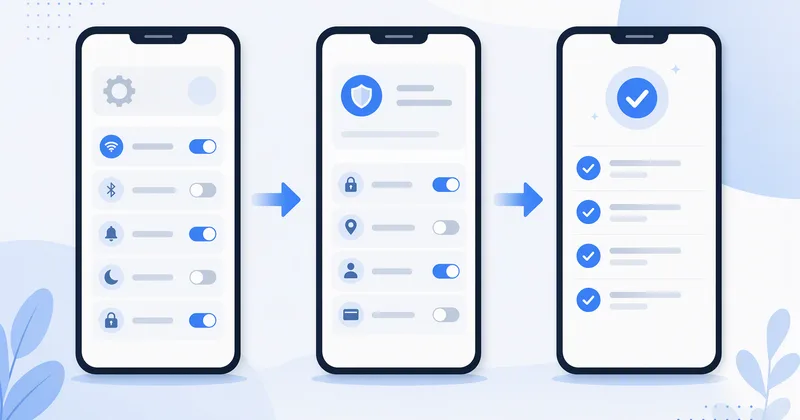 How-to · GmailSet up a new Gmail inbox in week one: the order that worksSeven settings in the order I change them on every new Android phone.
- Best picks · AgodaBest travel booking apps for flights, hotels and car rentalFive apps we would keep for a year of trips, and what each does best.
- Compare · IHG One RewardsHotel loyalty programs in an app: points, member rates and the small printWhich chain apps show the real member rate, and when points are worth it.
- Tips · GoodreadsSet a Goodreads reading challenge you will actually finishPick a number you can beat, then log pages, not just finished books.
- How-to · 7-ZipPassword-protect a folder with 7-Zip before you email itAES-256 in three clicks, and how to share the password safely.
 Best picksAgoda
 TipsGoodreads
 How-to7-Zip
Updating basics
Most phones and PCs update apps on their own, but only while auto-update is on. On Android, open Google Play, tap your profile picture, then Settings › Network preferences › Auto-update apps. On iPhone, it is Settings › App Store › App Updates; on Windows, open the Microsoft Store, then Settings › App updates. On a store listing, the main button tells you where you stand:
UpdateA newer version is waiting for your device.
OpenYou already have the version the store offers your device.
If you see Open but this issue mentions a newer build, the rollout simply hasn't reached you yet. Check again in a day or two.
FAQ
Is this an official list of app updates?
No. AppDigest Weekly is an independent site and is not affiliated with Google, Apple, Microsoft or any developer. We sum up each developer's notes and the store listing and link to the official listing, which has the final word.
The issue lists an update my phone doesn't have yet. Why?
Stores release most updates to a growing share of devices over several days, so two phones can be on different versions on the same afternoon. Until it reaches you, the listing shows Open rather than Update.
Why do some apps have a Google search button instead of a store button?
Some desktop software, such as 7-Zip, has no app store listing. Rather than link to a file on another site, the button opens a Google search so you can choose the developer's own site from the results.
How do you choose the apps?
An app makes the issue when its update changes something you would notice, or when we add it to the catalog after a week of use. Quiet weeks are short; nothing is listed to fill space.