Gmail just got an update. Did yours?
Issue 48 · Oct 27 – Nov 2, 2026. This build's notes put secure email, chat, Spaces and video calls in one app. If Google Play offers it, install it now; the next screen has my full review and the settings to check.
About 2 minutes · what changed, then the full review
StartWhat changed this week
These are the three changes in Gmail that stand out in the developer's update notes and on its Google Play listing this week.
- 01Secure email anchors the shared workspace
The notes put secure email at the center of Gmail's Workspace experience, bringing everyday messages together with ways to talk and collaborate when an email exchange needs more discussion.
- 02Chat and spaces keep conversations together
The notes highlight chat and group collaboration in spaces as part of Gmail's connected experience, giving teams another way to discuss work alongside their regular email conversations.
- 03Voice and video support direct conversations
Voice and video calls are another focus of the notes, placing live conversations alongside secure email, chat, and spaces when a written exchange would benefit from direct discussion.
My verdict, the full review and the link to the official Google Play listing are on this issue's Gmail page.
Our take on this build
Update nowInstall it when Google Play offers it.
Who should install now
If Gmail is the inbox you open first every morning, take this build as soon as it reaches your phone. I ran it through the week of Oct 27 on two accounts, a personal one and a Workspace one, and nothing moved that would surprise you: the inbox, labels and swipe actions stayed exactly where I left them. What the notes add is emphasis rather than new screens. Chat, Spaces and Meet calls are presented as part of the same app, which matters most to small teams that use Gmail as their business email and want one place to answer a client, message a colleague and start a call.
What I'd check first
After updating, open Settings and look at notifications for each account separately. Gmail alerts you to every Primary message by default; I set my work account to High priority only, and that one change did more for my week than anything in the release notes. Then decide whether you want Chat and Meet tabs at the bottom of the screen. On a personal account I turn them off; on a work account they save a trip to another app. If you pay for a Google AI plan, try Help me write on one routine reply and read the draft before you send it.
The listing notes do not mention new permissions, payment changes or sign-outs; the Permissions section on Google Play is the place to confirm that before you tap. If Google Play shows Open instead of Update, the staged rollout simply has not reached your phone yet.
Good
- Inbox, labels and settings carry over untouched
- Chat, Spaces and Meet reachable without switching apps
- Search and summary cards stay quick on a mid-range phone
Watch for
- Gemini writing help needs a paid Google AI plan
- Extra tabs add noise on a personal account
Also updated this week
Gmail is one of 20 apps in Issue 48. Next up in this issue:
Tips
- Search for the detail you need
Use inbox Search with relevant keywords when you need a particular detail rather than browsing messages one by one. Gmail also offers Gemini assistance for finding information in your inbox or Google Drive files. Those Gemini features require a Google AI Pro or Ultra plan and an internet connection; check responses for accuracy.
- Use summary cards before reading further
Look for summary cards at the top of your emails to find useful details quickly. They can give you a starting point before you read the rest of the message. When you need more context, continue into the email itself and use inbox search to locate related messages or information.
- Turn an email into a calendar invite
Use the Add to Calendar button to create a Google Calendar invite with Gemini directly from your inbox. Check the resulting information for accuracy before relying on it. This Gemini feature requires a Google AI Pro or Ultra plan and an internet connection, and language and country availability may vary.
Menu names follow the developer's help pages and can differ slightly between versions and phones.
Reads about Gmail
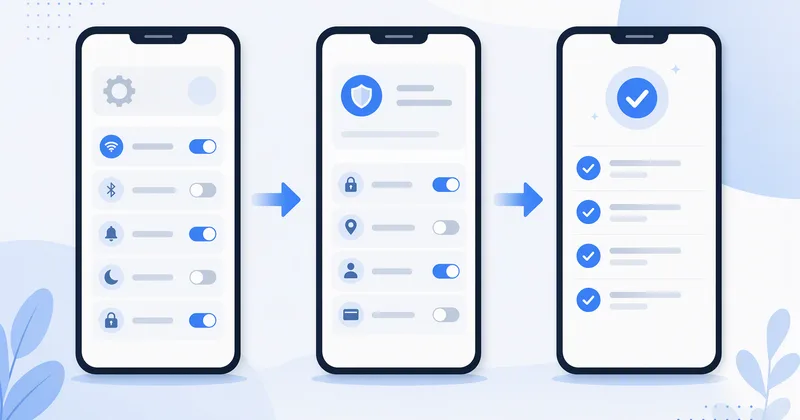 How-to · GmailSet up a new Gmail inbox in week one: the order that worksSeven settings in the order I change them on every new Android phone.
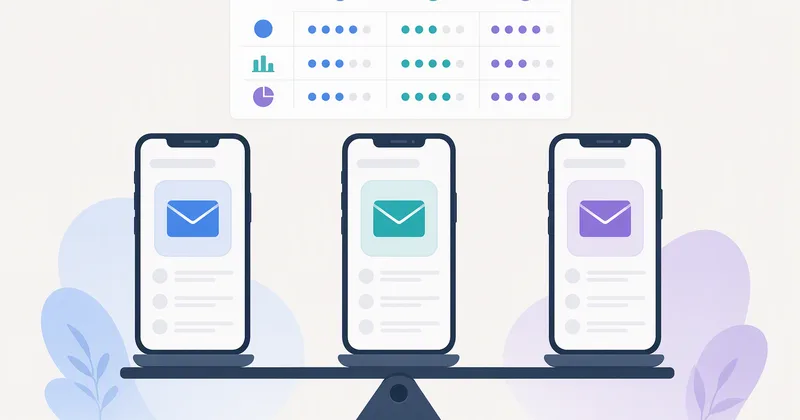 Compare · GmailGmail vs Outlook vs Proton Mail: which inbox fits your weekSearch, privacy, calendars and business email after a week with all three.
- Tips · GmailGmail labels vs filters: which one to set up firstLabels hold mail, filters move it; most inboxes need three of each.
- Troubleshooting · GmailGmail notifications late on Android? Check these four settingsBattery saving, per-account alerts and two settings most phones hide.
 How-toGmail
How we write the digest
Each week I check the store listings of the apps our readers use most: the version, the update date and the developer's notes on Google Play, the App Store or the Microsoft Store. When an app changes, I use it for a few days and write up what changed and whether to act, in plain words, with a button to the official listing. Desktop tools with no store listing get a Google search for the developer's own site instead. AppDigest Weekly is independent and not affiliated with any developer; nothing is installed from this site and no page reads your phone or accounts.
FAQ
Is this the official list of Gmail changes?
No. This is an independent site that is not affiliated with Google LLC. Gmail's Google Play page is the authority for the official release notes and app information. This editorial guide explains the current focus on secure email, chat, spaces, and calls, with practical context about the features Gmail offers.
Why does Google Play show Open instead of Update?
If Google Play shows Open, it is not currently offering an update for that installation. You may already have the available build, or availability may differ during a staged rollout. Check the official Gmail page again later if you want to look for an update; there is no need to reinstall just to change the button.
What do I need to use Gemini in Gmail?
The listed Gemini features require a Google AI Pro or Ultra plan and an internet connection. Language and country availability may vary, and you should check responses for accuracy. Gmail's description also lists Premium AI and Gemini features for teams with a Workspace plan, so check which plan applies to the account you use.