 CatalogGmail for iPhone & iPad
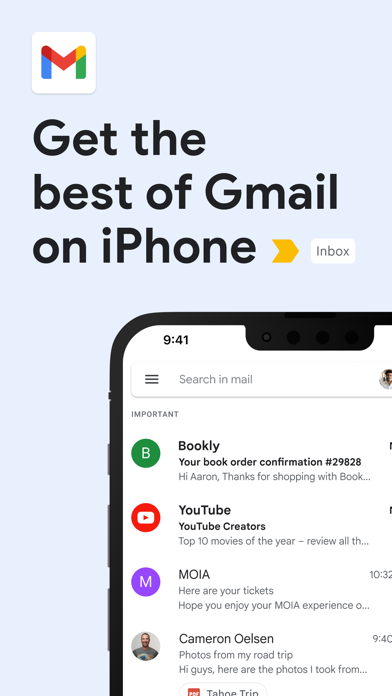
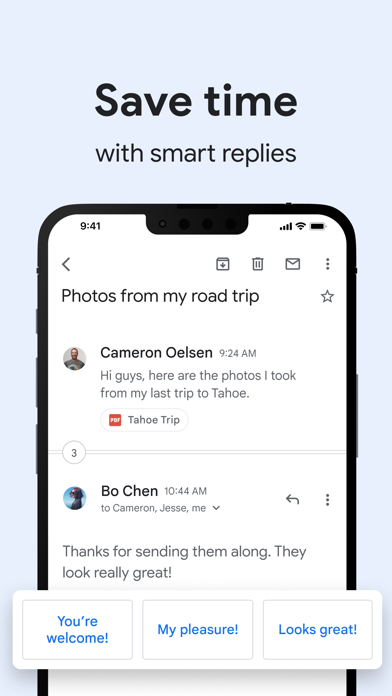
Gmail on iPhone and iPad is Google's own mail app for Apple devices, and it is the easiest way to use a Google account on iOS with the features you would get on Android: the Primary, Promotions and Social tabs, Google's spam filtering, snooze, and search that covers every label and archived thread. You can add Outlook, Yahoo or iCloud addresses too, though each account keeps its own inbox.
On my iPhone it felt close to the Android app, with two iOS-specific touches worth knowing. You can set Gmail as the default mail app in the iPhone's Settings, so tapping an email address in Safari opens a Gmail draft rather than Apple Mail. And notifications can be limited to high-priority mail per account, which I recommend for any work inbox. Attachments open in Google Docs or Sheets if you have them, or in Apple's previewer if you do not. Swipe actions and snooze work as they do on Android, and a home screen widget shows unread mail at a glance.
What to check before relying on it: the app needs iOS 18 or later, so older iPhones may be stuck on Apple Mail with a Google account added. Gemini features such as Help me write need a paid Google AI plan. On first launch it asks for notification permission; allow it, then trim alerts per account in Gmail's settings. And if you mostly use iCloud or a work address on Microsoft 365, Apple Mail or Outlook may suit you better; Gmail shines when your main account is a Google one.